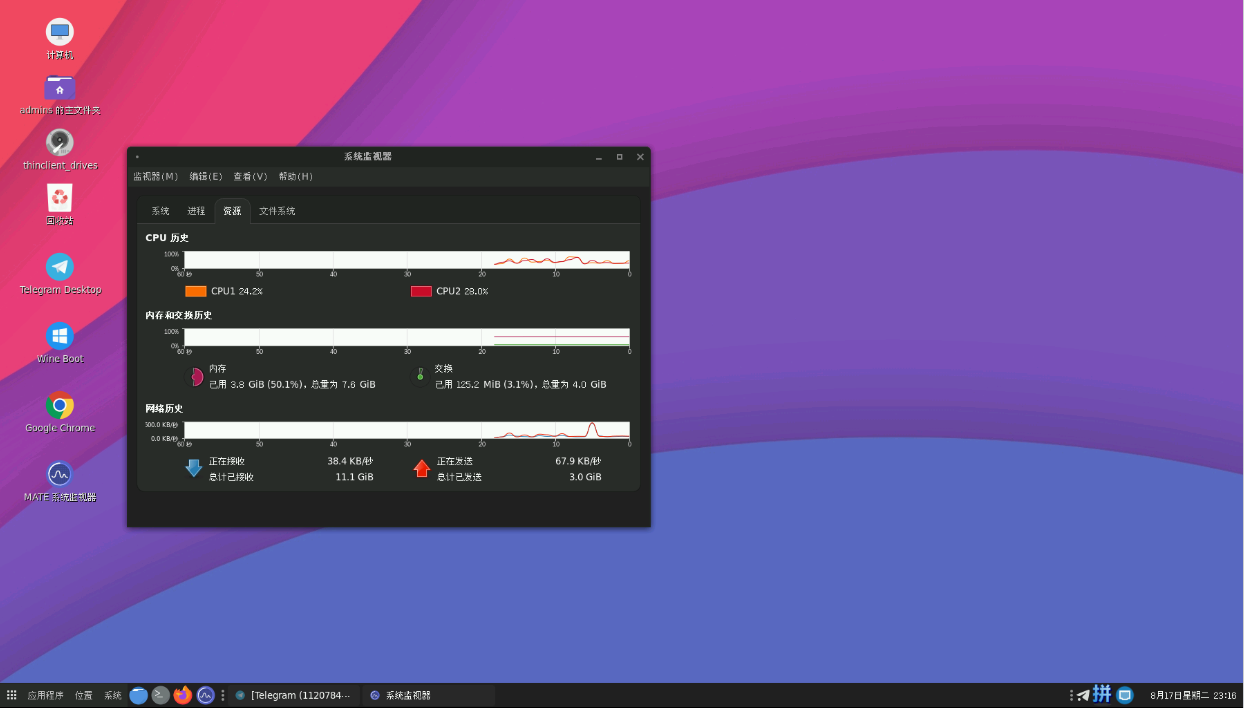


CentOS 7 一键安装远程桌面后,默认的 MATE 桌面较简陋,用 Tela Circle 图标和 Orchis 主题美化。
安装 Tela Circle 图标
# 下载
wget https://codeload.github.com/vinceliuice/Tela-circle-icon-theme/zip/master

# 解压
unzip master
cd Tela-circle-icon-theme-master

# 安装全部图标
bash install.sh -a
安装 Orchis 主题
# 下载
git clone https://github.com/vinceliuice/Orchis-theme.git

# 安装
cd Orchis-theme
bash install.sh
应用主题
在系统主题设置中选择 Orchis 主题切换即可。
文章版权归作者所有,未经允许请勿转载。
THE END
喜欢就支持一下吧





暂无评论内容